- Joshua's Newsletter
- Posts
- The Scam Scene
The Scam Scene

Joshua Simpson
November 29, 2025
Are You Being Scammed… or Is Grandma Wiring $500 to a “Prince” Again?Scams are no longer limited to sketchy emails from a Nigerian royal. They’ve evolved, and they’re targeting everyone, from teens buying sneakers online to grandparents just trying to answer the phone. In this issue, we’re exposing four common and clever scams going around right now, how they work, and how not to get fooled (again). |  |
Digital Deception: When “Microsoft” Isn’t Microsoft
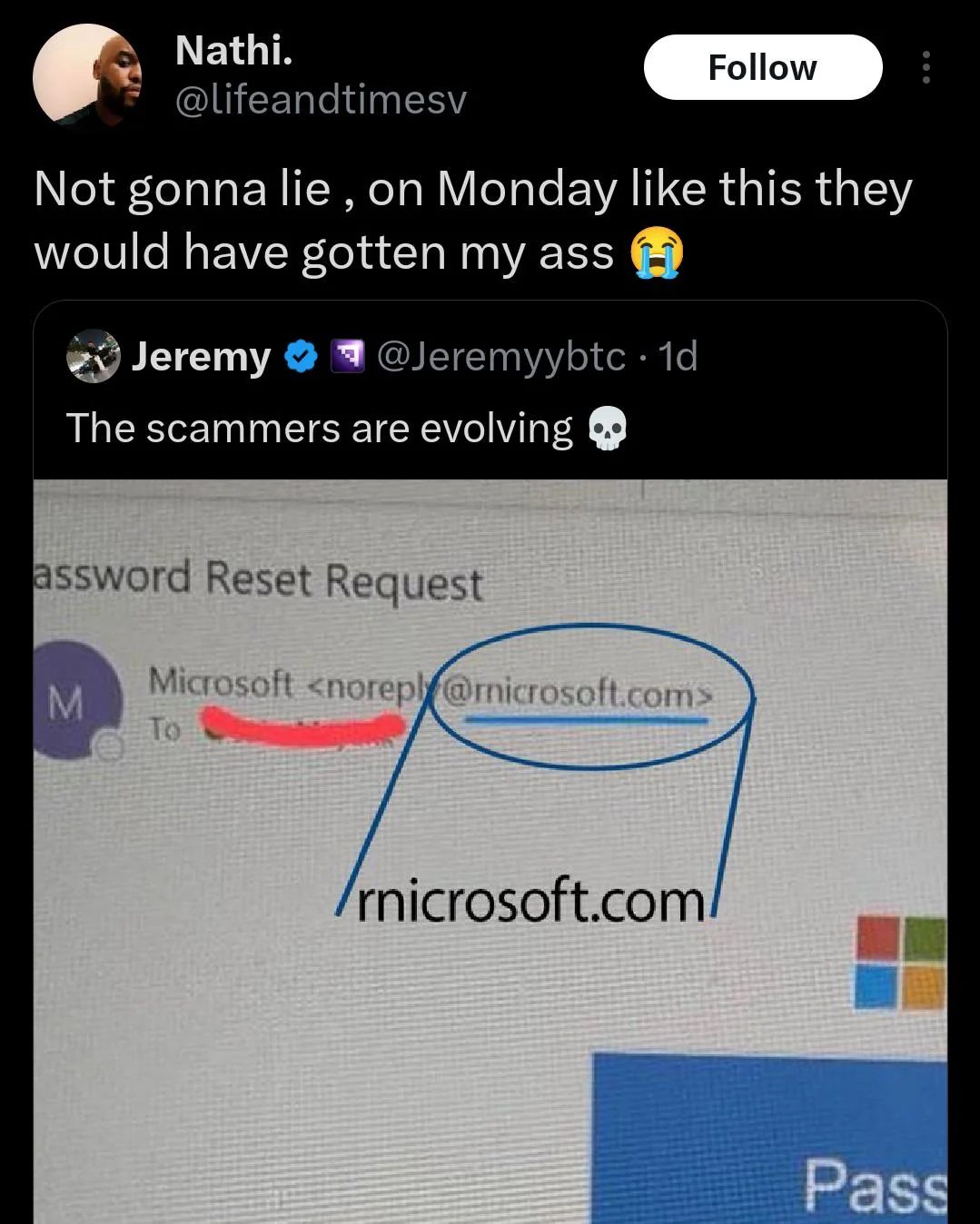
Scammers don’t need to break into a system, they just need you to click the wrong link. A growing tactic uses lookalike domains (like “rnicrosoft.com” with an ‘r’ and ‘n’ instead of ‘m’) to steal login details and spread malware. These sites often appear identical to the real thing.
🔒 Tip: Always double-check domain names and avoid clicking links in unsolicited emails or messages.
Types Of Scams
 1. Phishing (Email & Lookalike Websites)How it works: A scammer sends an email or text pretending to be from a trusted source (like your bank, Netflix, or Microsoft). The link takes you to a fake site that looks nearly identical to the real one, asking you to log in or enter info. Example: A domain like How to protect yourself:
| 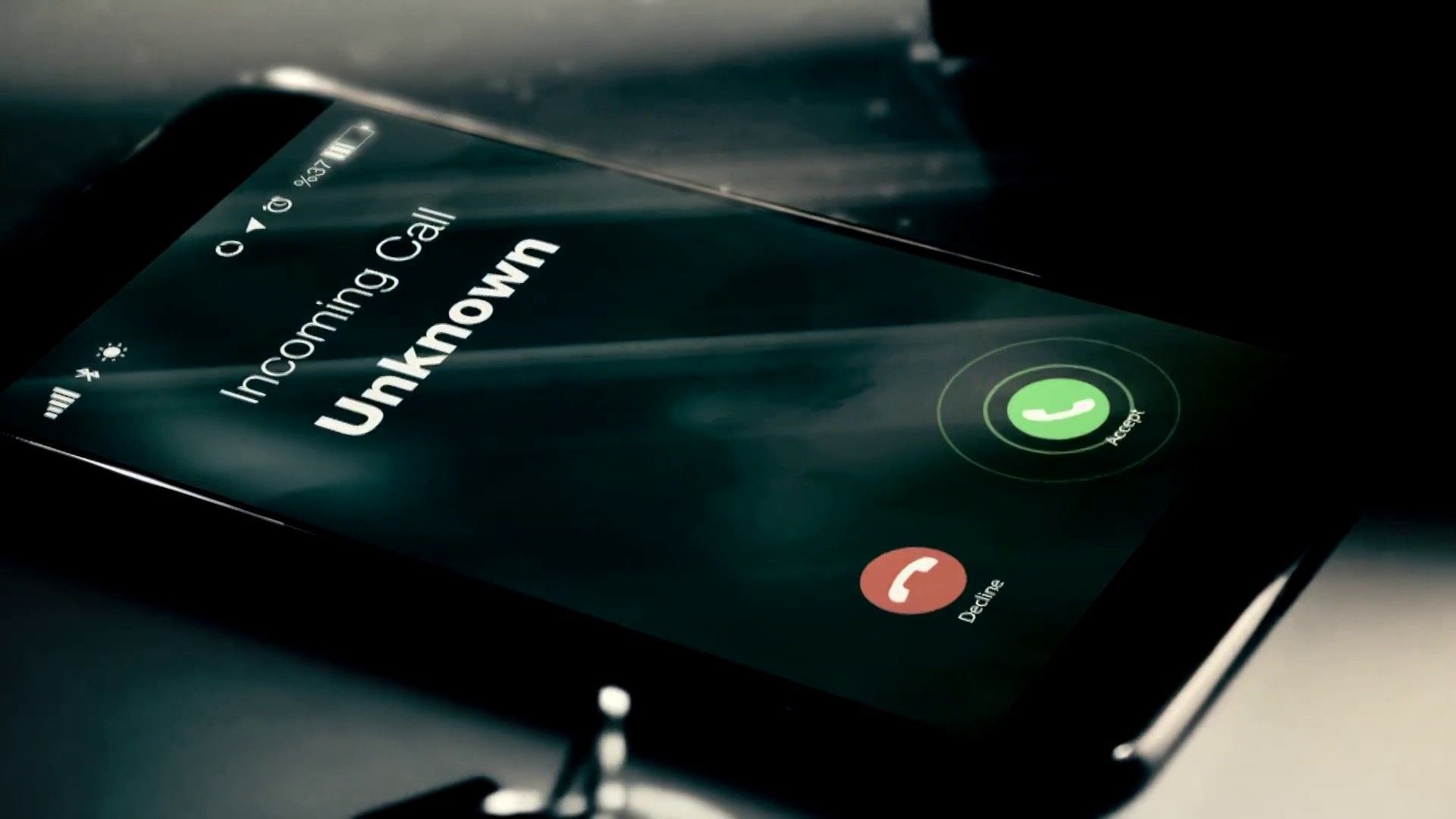 2. AI Voice Scams & DeepfakesHow it works: Using just a few seconds of someone’s voice (from social media or YouTube), scammers generate convincing phone calls. Some pretend to be family in trouble; others fake bosses demanding a wire transfer. Example: A fake call from your "grandchild" asking for bail money and it sounds just like them. How to protect yourself:
|
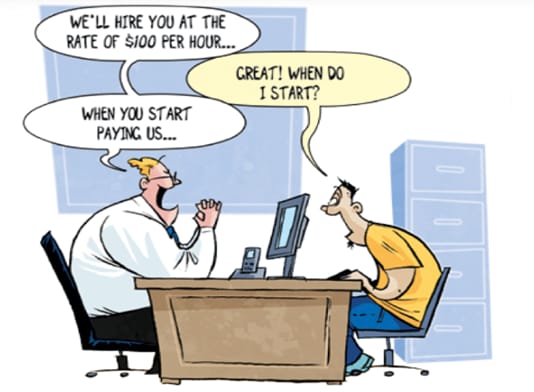 3. Job & Vendor ScamsHow it works: Fake companies post job listings on legit platforms. Once you're “hired,” they send you to buy work equipment from a site, which is actually run by the scammer. After payment, they vanish. Example: Remote jobs with vague descriptions, no interviews, and urgent equipment purchases. How to protect yourself:
| 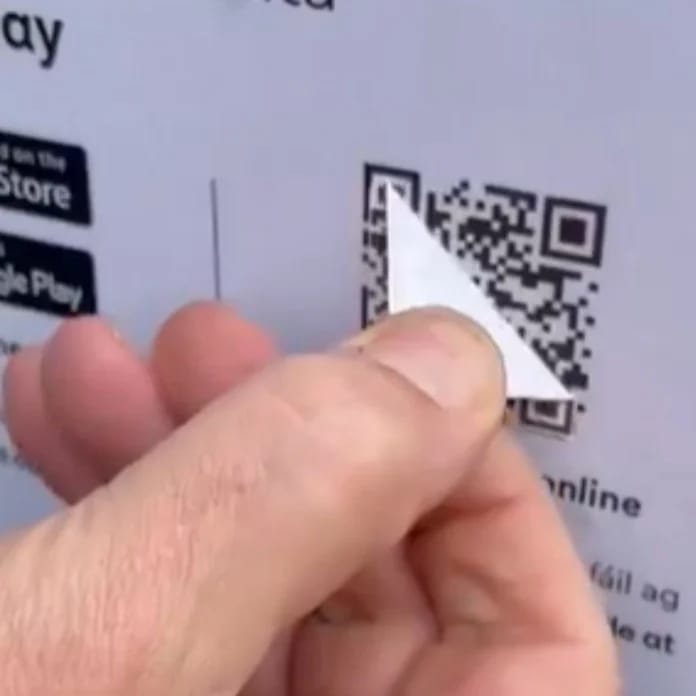 4. QR Code & Payment ScamsHow it works: QR codes are easy to swap. Scammers place fake QR stickers on parking meters, restaurant menus, or signs, redirecting you to phishing sites or fake payment pages. Example: You scan to pay for parking, but your money goes to someone’s crypto wallet in a different country. How to protect yourself:
|
Takeaways
Always verify URLs, especially when accessing banking, shopping, or login pages.
Be cautious with QR codes and unsolicited communications.
Use two-factor authentication where possible.
AI and deepfake technology are now part of the scammer’s toolkit, skepticism is essential.
Final Note
If you’ve seen any strange online interactions, suspicious websites, or scam stories worth sharing, let me know, I’d love to include reader-submitted examples in a future issue.
see ya!
Joshua
Reply